300x250
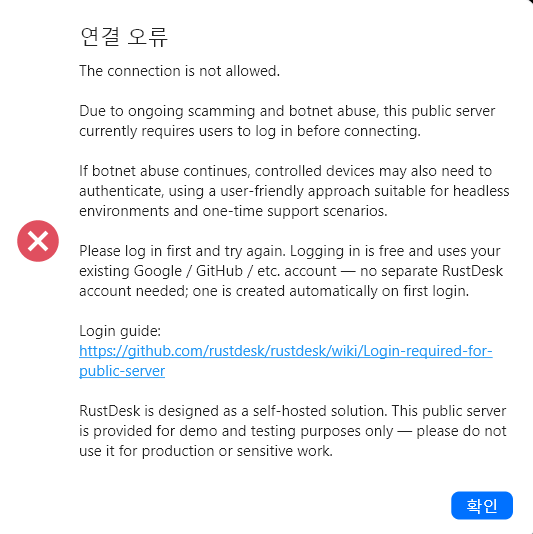
잘 쓰고 있던 rustdesk가 원격 접속을 시도하자 위와 같이 뜨면서 연결에 실패한다.
The connection is not allowed.

Due to ongoing scamming and botnet abuse, this public server currently requires users to log in before connecting.

If botnet abuse continues, controlled devices may also need to authenticate, using a user-friendly approach suitable for headless environments and one-time support scenarios.

Please log in first and try again. Logging in is free and uses your existing Google / GitHub / etc. account — no separate RustDesk account needed; one is created automatically on first login.

Login guide:
https://github.com/rustdesk/rustdesk/wiki/Login-required-for-public-server

RustDesk is designed as a self-hosted solution. This public server is provided for demo and testing purposes only — please do not use it for production or sensitive work.
안내하는 링크로 가보니 이제 자신들이 제공하는 서버에서 원격 접속을 하려면 로그인하라고 한다.
다행히 접속하는 대상 pc가 로그인 되어있지 않아도 내 rustdesk계정으로 로그인하면 사용이 가능하다.
Login required for public server · rustdesk/rustdesk Wiki
Login required for public server
An open-source remote desktop application designed for self-hosting, as an alternative to TeamViewer. - rustdesk/rustdesk
github.com
검색해보니 최근 봇과 공격이 많아 어쩔 수 없이 조치를 취한 것 같다.
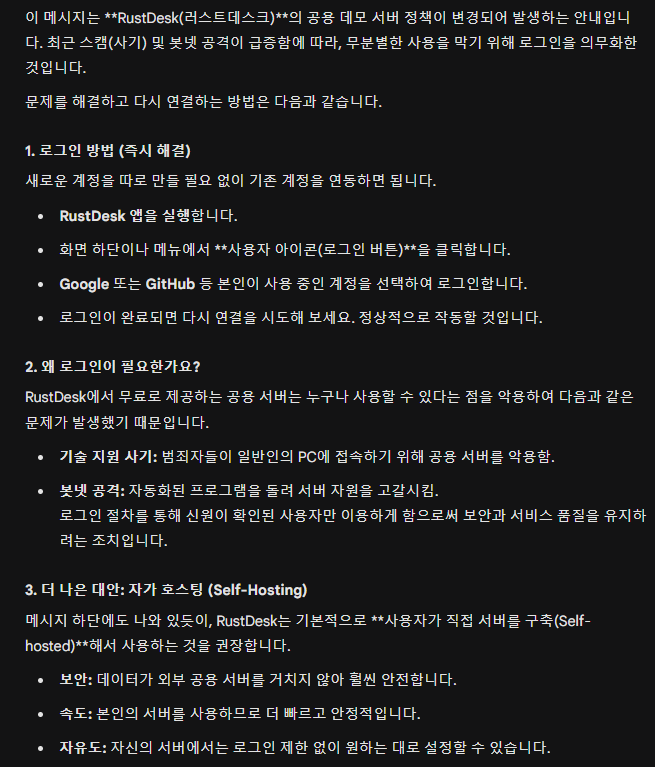
추후에 내PC중 하나에 자가 호스팅을 구축해봐야겠다.
반응형
'기록 > 문제 해결' 카테고리의 다른 글
| 파워GPU 연장선으로 12V 안전하게 끌어 쓰기 (0) | 2026.04.20 |
|---|---|
| usb허브 연결 실패(장치 설명자 요청 실패)시 해결법 (0) | 2026.04.18 |
| 스마트 앱 컨트롤이 안전하지 않을 수 있는 앱을 차단했습니다 해제하기 (0) | 2026.03.25 |
| 구형 아이패드 종료 안될때 해결법 (0) | 2026.03.12 |
| 매우 작은 피스 순간접착제로 붙이기 (라즈베리파이 카메라 커넥터 핀) (0) | 2026.03.06 |


